
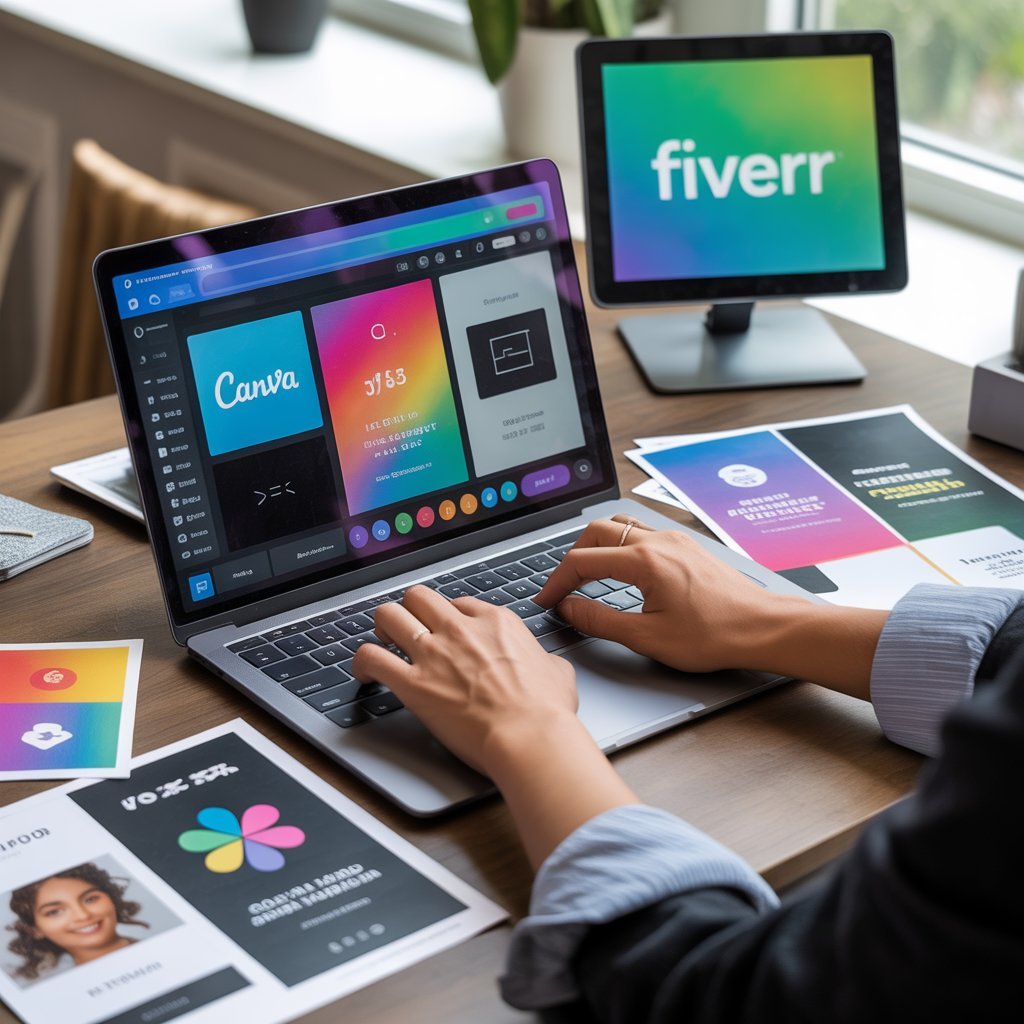
How to Use Canva for Fiverr
If you want to start freelancing but don’t know coding or advanced graphic design, Canva is one of the easiest skills to begin with.
Many beginners are earning on platforms like Fiverr by offering simple Canva design services such as:
- Social media posts
- YouTube thumbnails
- Instagram carousels
- Flyers & posters
- Resume design
This guide will show you exactly how to use Canva to create Fiverr services step by step.
Why Canva Is Perfect for Fiverr Beginners
Canva is:
✔ Beginner-friendly
✔ Drag-and-drop based
✔ No technical skills required
✔ Fast to learn
✔ High demand on Fiverr
Clients want clean, modern designs — not complicated artwork.
Step 1: Choose a High-Demand Canva Service
Don’t offer everything. Choose ONE niche first.
Best Canva Services for Fiverr:
- YouTube Thumbnail Design
- Instagram Post Design
- Business Flyer Design
- Resume/CV Design
- Pinterest Pin Design
👉 Thumbnails and Instagram posts are best for beginners.
Step 2: Create 5–10 Sample Designs
Before creating your Fiverr gig:
- Open Canva
- Search template (e.g., YouTube Thumbnail)
- Customize colors & text
- Create different styles
Build a small portfolio.
You must show buyers what you can do.
Step 3: Create a Fiverr Gig for Canva Design
On Fiverr:
Gig Title Example:
“I will design eye-catching YouTube thumbnails using Canva”
Category:
Graphics & Design → Social Media Design (or relevant category)
Tags:
- Canva design
- YouTube thumbnail
- Social media design
- Instagram post
- graphic design
Step 4: Write a Professional Gig Description
Example:
Are you looking for professional and eye-catching Canva designs?
I will create modern and attractive:
✔ YouTube thumbnails
✔ Instagram posts
✔ Social media graphics
✔ Business flyers
Why choose me?
✔ High-quality design
✔ Fast delivery
✔ Unlimited revisions
✔ 100% client satisfaction
Keep it simple and benefit-focused.
Step 5: Design an Attractive Gig Image (Very Important)
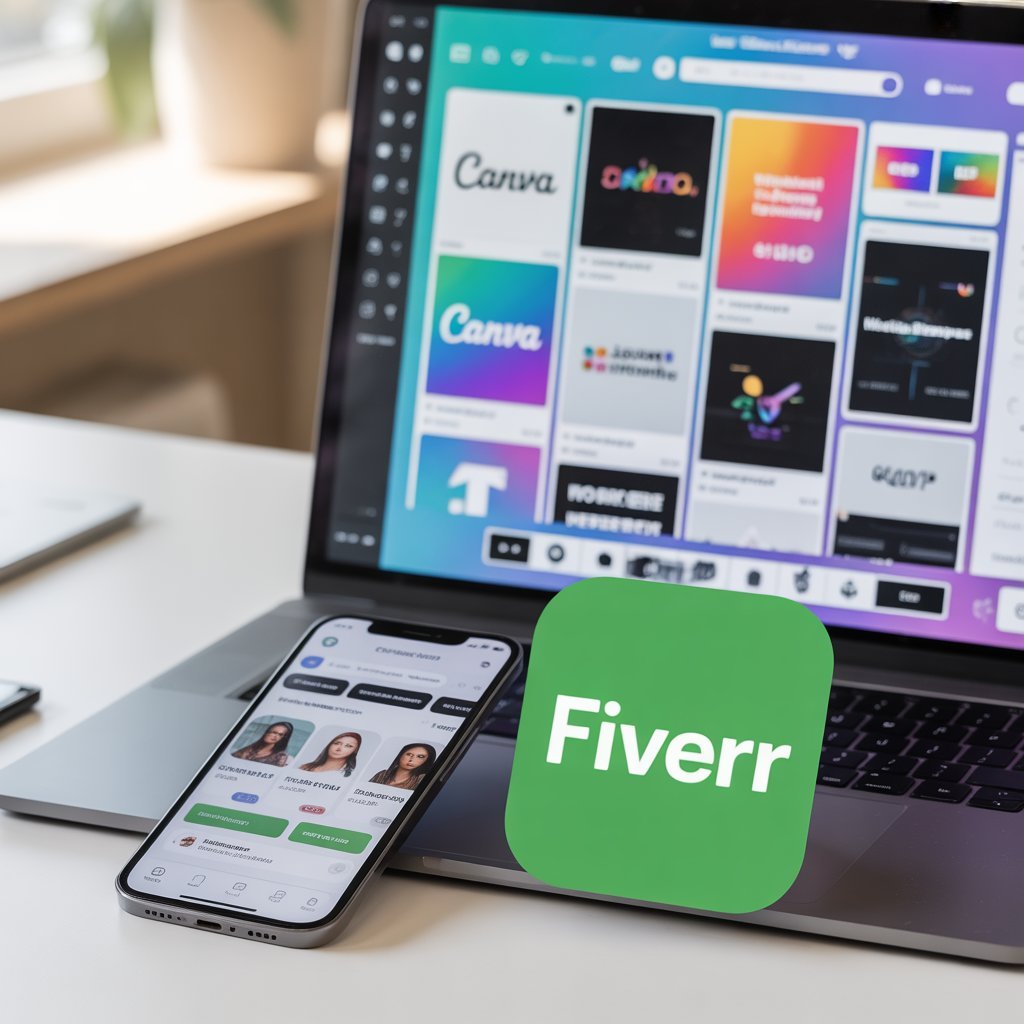
Your gig image should:
- Be clean
- Show sample designs
- Include bold text like “Professional Canva Designer”
- Use 2–3 colors only
Good gig images increase clicks.
Step 6: Pricing Strategy for Beginners
Start small to get reviews.
Basic Package:
$5 – 1 design
Standard:
$10 – 3 designs
Premium:
$20 – 5 designs
After 5–10 positive reviews, increase your prices.
Step 7: How to Deliver Like a Professional
When you get an order:
- Ask clear questions
- Understand client brand colors
- Deliver before deadline
- Provide source file (if included)
- Ask politely for review
Communication = success on Fiverr.
How Much Can You Earn with Canva on Fiverr?
Beginner: $100–$300/month
Intermediate: $500–$1000/month
Advanced sellers: $1500+/month
Your income depends on:
- Design quality
- Client communication
- Delivery speed
- Reviews
How to Improve Your Canva Freelancing Skill
- Practice daily
- Study top Fiverr gigs
- Follow design trends
- Learn basic color combinations
- Improve typography
Simple + clean design always wins.
Common Mistakes Beginners Make
❌ Offering too many services at once
❌ Using too many fonts
❌ Overdesigning
❌ Ignoring client instructions
❌ Delivering late
Keep it professional.
Upgrade Path (After 2–3 Months)
Once you get comfortable, you can expand into:
- Branding kits
- Social media management
- Logo design
- Lead magnet design
- Digital product templates
Canva can be your entry skill into full digital freelancing.
Final Advice
Canva is one of the best beginner-friendly freelancing skills in 2026.
You don’t need expensive courses.
You need:
- Practice
- Consistency
- Good communication
- Professional behavior
Start small, build reviews, increase rates.
If you stay consistent for 3–6 months, you can turn Canva into a steady income source.

Author at HowToMentor.blog sharing helpful how-to guides, tutorials, and practical tips to help people learn new skills and solve problems easily.
1 thought on “How to Use Canva for Fiverr Services (Complete Freelancing Guide 2026)”